Mark an email as spam
To mark one or more emails as junk (spam), do the following:
1.Select emails from the list of emails located in the workspace.
2.Use any of the following methods:
•In the workspace menu, click and select the Spam command in the drop-down list.
•Click Move and select the Junk folder in the Move to folder drop-down list.
As a result, the selected emails will be moved to the Junk folder.
Recover emails from the Junk folder
1.Go to the Junk folder. 2.Select one or more emails that you want to restore. 3.Use any of the following methods: •In the workspace menu, click the •Click the |
Clear the Junk folder
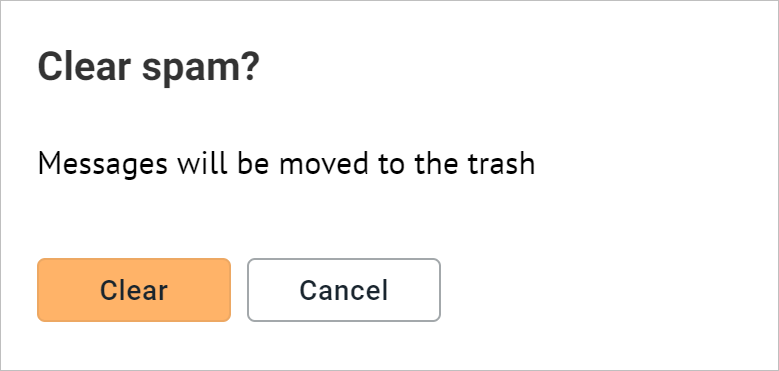
Clearing the Junk folder means moving all the emails in it to the Trash folder at once. If there is at least one email in the Junk folder, the Clear button is displayed to the right of the folder name. To clear the Junk folder, do the following: 1.Click the Clear button to the right of the folder name. 2.To confirm the action, click the Clear button in the Clear spam? window that opens:
As a result, all emails from the Junk folder will be moved to the Trash, and the Clear button to the right of the folder name will disappear. |