View mailbox size
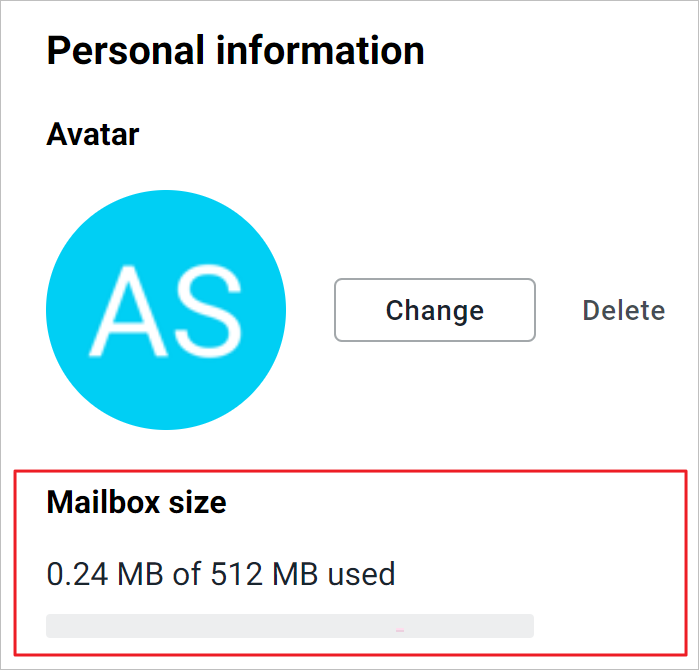
Each user account is allocated a limited mailbox capacity (quota). The size and current usage of the mailbox are displayed in the Personal information settings section under Mailbox size:
If the volume of emails in the mailbox:
–Approaching the established limit: At the top of the window, a notification is displayed indicating that the mailbox space is running out, along with the percentage of mailbox usage. The notification does not interfere with work and can be hidden by clicking . If the issue remains relevant, the notification will appear again the next day.
–Reached the allocated quota size: At the top of the window, a notification is displayed indicating that the storage space for emails has run out. The notification can be hidden by clicking, but receiving and sending emails will be impossible until the quota issue is resolved.
If multiple accounts are connected and the quota is running out for several of them, multiple notifications will be displayed.
To free up space, delete unnecessary emails or contact the administrator for help to increase the quota size.
