Move a folder
In the list of folders, the following actions are possible:
–Changing the order of items in the list (without altering nesting): available for all folders.
–Moving a folder to another folder (changing the parent folder and/or nesting level): available only for folders and sub-folders created by the user.
Main folders of the account (Inbox, Flagged, Sent, Drafts, Trash, Spam) cannot be moved to another folder, but you can change the order in which they appear in the list.
To change the order of folders in the list:
1.In the Folders settings section, move the cursor to the folder name.
2.Click the left mouse button and, while holding it down, move the folder to the desired position..
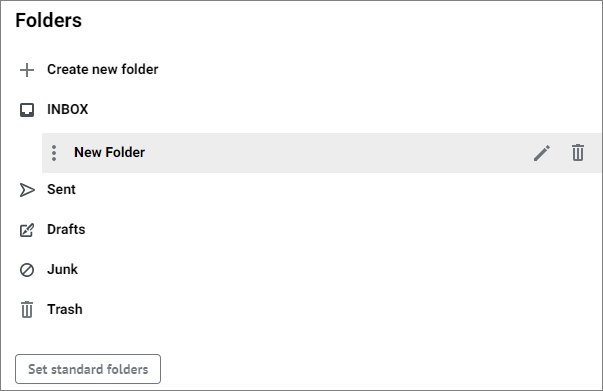
3.Release the left mouse button.
To move a folder to another parent folder:
1.In the Folders settings section, move the cursor over the folder in the list and click the  button which appears in the line with the folder name. The Edit folder window will open.
2.In the drop-down list, select the new location of the folder (the new parent folder).
3.Click Save.
