Filter settings
To simplify the processing of incoming mail, it is possible to set own conditions and rules according to which incoming messages will be automatically sorted into folders and processed. Such rules for processing incoming mail are called filters.
Filter management is performed in the Filters section of the Account settings. The Filters pane contains a list of all created rules for processing incoming mail.
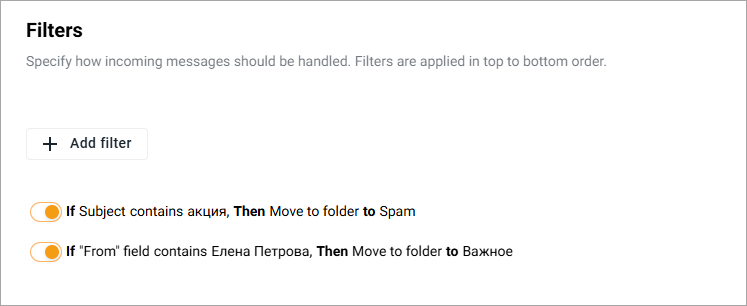
Applying filters to an email is performed in the order of the filters in the list (from top to bottom).
Any filter in the list can be turned on and off using the switch button  .
.
The order of applying filters can be changed by rearranging their order in the list (by dragging them with the mouse to the desired position).
Any filter in the list can be edit or delete.
