View group information
To view information about a contact group:
1.On the Navigation bar, select the address book where the group is located.
2.Select a group in the List of contacts. Click anywhere on the group snippet, but not on the avatar.
The group's snippet will be highlighted in color, and group information will appear in the Reading pane.
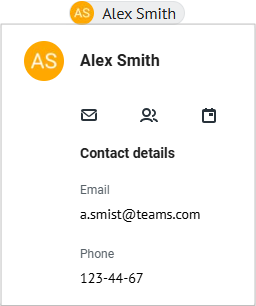
In the Reading pane, in the Participants section, the list of group participants is displayed. To view detailed information about a participant, hover your cursor over the tile with their name (or email address). A window will open with data from that participant's contact:
 .
.
The buttons in the window allow to perform the following actions:
 : Write an email to the contact.
 : Add a contact to another group.
 : Create an event with the participation of the contact.
