How can we help you?
Import contacts
Product:
Application:
You can import contacts from a VCF (vCard File) format file into the Personal address book.
To import contacts, do the following:
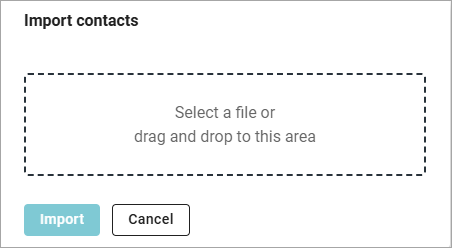
1.On the Navigation bar, hover the cursor over the name of the address book into which you want to import contacts and click on the button that appears  . The Import contacts window will open:
 .
.
2.Drag the contact files with the mouse into the dotted highlighted area, or left-click in the dotted highlighted area and select files in the system window that opens.
3.Click Import.
Contacts will be loaded into the Personal address book.
Was this helpful?
Yes
No
