How can we help you?
Find an event in the calendar
Product:
Application:
1.Click the  button on the Toolbar.
2.In the search bar, enter the name of the required meeting or the word contained in that name.
3.Press the Enter key.
A list of events corresponding to the query will appear under the search bar:
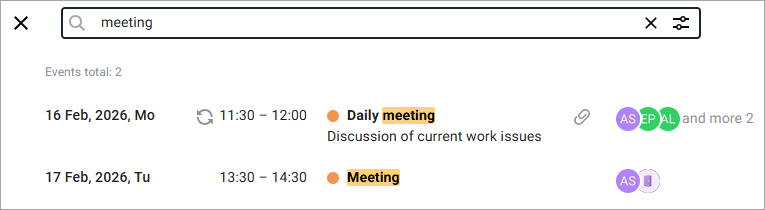
To refine the search results, do the following:
1.Click the button .
.
2.In the window that opens, set one or more additional search parameters:
•Select the calendar to search in.
•Specify the participants of the event.
•Specify the resources.
•Select a time period in the calendar (From and To).
•Specify if there are attachments.
•Specify the repeatability of the event.
3.Click the Find button.
Was this helpful?
Yes
No
