How can we help you?
Edit a calendar
Product:
Application:
You can change the name, description or color of the calendar.
To edit the calendar, do the following:
1.Point the cursor to the calendar line and click on the  button that appears.
2.In the window that opens, make the desired changes: name, description, color.
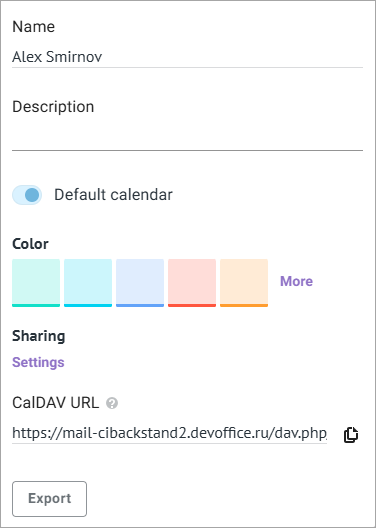
3.Click anywhere on the screen outside the form you were editing. The editing window will close, and your changes will be applied.
In the calendar editing window, you can also do the following:
–Provide access to the calendar to other users
–Export the calendar in the .iCalendar format
Was this helpful?
Yes
No
