Slide bar
The Slide bar displays thumbnails of the presentation slides.
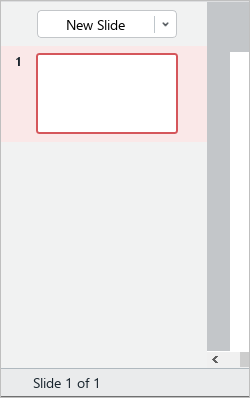
You can manually customize the display and width of the Slide bar. You can zoom the Slide bar in or out, display or hide it from the screen.
To hide or minimize the Slide bar, do one of the following:
–Clear the Slide thumbnails checkbox on the View tab or, when working in macOS, in the View command menu.
–Hover the cursor over the border between the Slide bar and the workspace and drag it to the left.
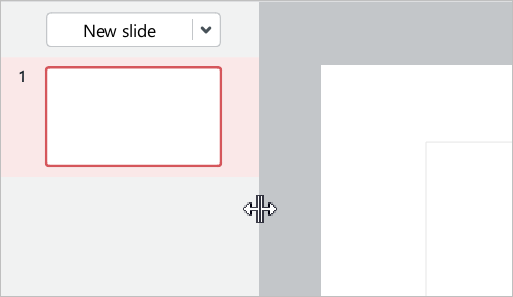
To display the Slide bar, do one of the following:
–Select the Slide thumbnails checkbox on the View tab or, when working in macOS, in the View command menu.
–Click  at the left border of the main application window.
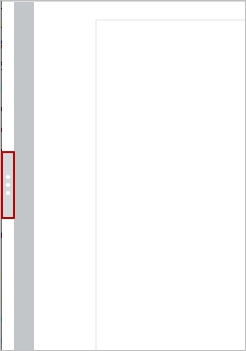
To expand the slide bar, hover the cursor over the border between the Slide bar and the workspace and drag it to the right.
