Select a table
To select the entire table, use one of the following methods:
- Hover the mouse cursor over the upper left corner of the table so that the cursor looks like
 . Left-click.
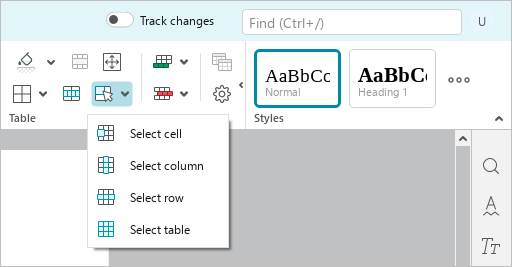
 - Place the cursor in any cell of the table or select any element of the table. On the Home tab, in the Table group, click
 Select and run the Select table command.
- If text wrapping is configured for the table, hover the mouse cursor over the table. Click the
 button displayed in the upper-left corner of the table.
To deselect the table, press Esc or click anywhere outside the table.