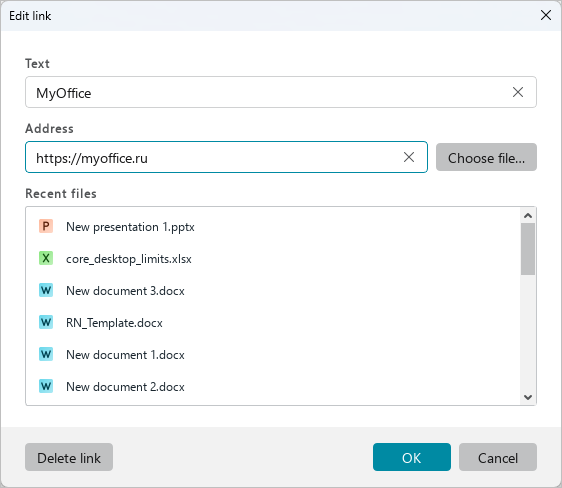
Edit a link
To edit a link, follow the steps below:
-
Place the cursor on the link or select a part of the link/the entire link.
-
Open the link editing window in one of the following ways:
- On the Home tab, in the Insert group, click
 Link.
Link. - On the Insert tab, click
 Link.
Link. - Right-click to open the context menu and select the Edit link command.
- Press
Ctrl+K.
- On the Home tab, in the Insert group, click
-
In the Edit link window, make the required changes to the link text and address and click OK.