Go to a bookmark
To navigate to a bookmark set in a document, follow these steps:
- On the Insert tab, click
 Bookmark.
 - In the Bookmarks window, select the required method of sorting bookmarks:
- Name: Sorting bookmarks alphabetically (from A to Z).
- Location: Sorting bookmarks depending on their location in the document (from top to bottom).
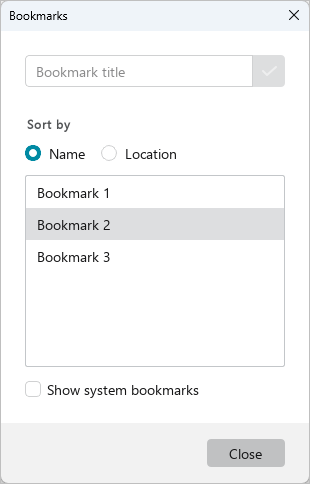
- Select the name of the required bookmark. The cursor will move to the place in the document where the bookmark is placed.