Delete a bookmark
To delete a bookmark, follow these steps:
- On the Insert tab, click
 Bookmark.
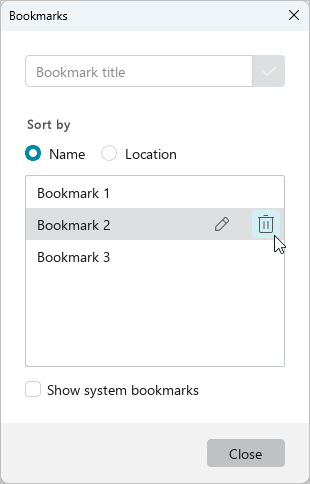
 - In the Bookmarks window, place the cursor over the bookmark that you want to delete and click
 Remove bookmark. If necessary, you can undo or redo the action of removing a bookmark using standard methods.
- Close the Bookmarks window. To do this, click Close or
 in the window title.