Convert a list to text
To remove the formatting of text as a list, follow these steps:
- Select the list or list items for which you want to remove formatting.
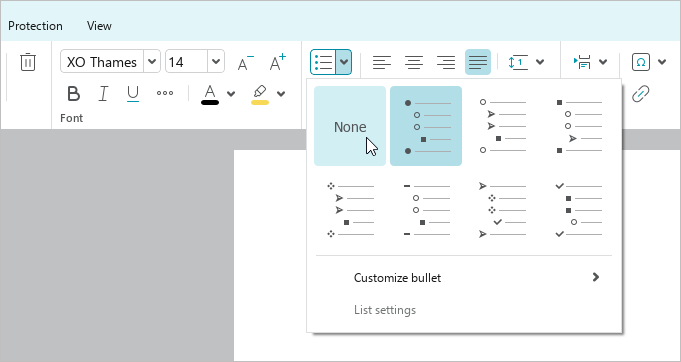
- On the Home tab, in the Paragraph group, click the arrow to the right of the button corresponding to the list type:
 Bulleted list or
  Numbered list.
 - Select the None formatting type.