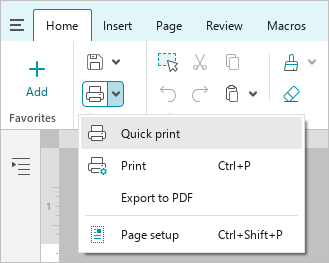
Quick print
You can print a document in one action, without invoking the Print settings window.
The following settings are used for quick print:
- Default print settings.
- The last printer used. If you have not used any device, the printer specified in the system settings is selected.
To quickly print a document, on the Home tab, in the File group, click  Quick print or click the arrow to the right of the Quick print button and run the Quick print command.