Customize the drop-down list
When customizing the Drop-down list control, create the items in the list. To do this, select the List properties tab in the Content control settings window.
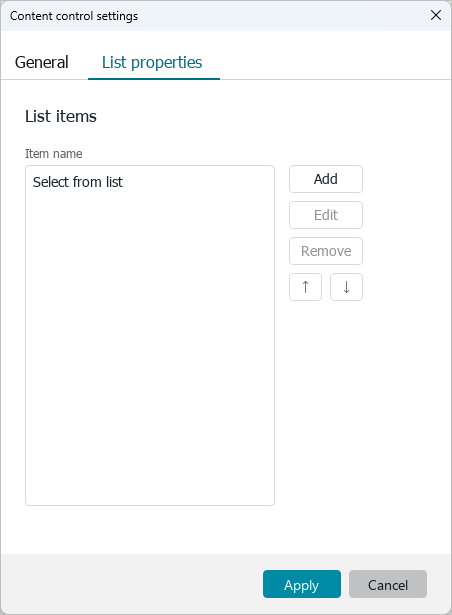
By default, the drop-down list contains a single item “Select from list”. If necessary, it can be edited or deleted.
To edit a list item:
- Select an item.
- Click Edit.
- In the Edit list item window, specify Name and Value. The name of the item should not be the same as the names of other items in the list.
- Click OK.

To delete a list item, select it and click Remove.
To add a new item to the list:
- Click Add.
- In the Add list item window, specify Name and Value. The name of the item should not be the same as the names of other items in the list.
- Click OK.

If you want to move an item higher or lower in the list:
- Select the item.
- Click the
 button to move the item up or the
 button to move the item down.