Edit a macro
To edit a macro, follow these steps:
- Select a macro in one of the following ways:
- On the Macros tab, click
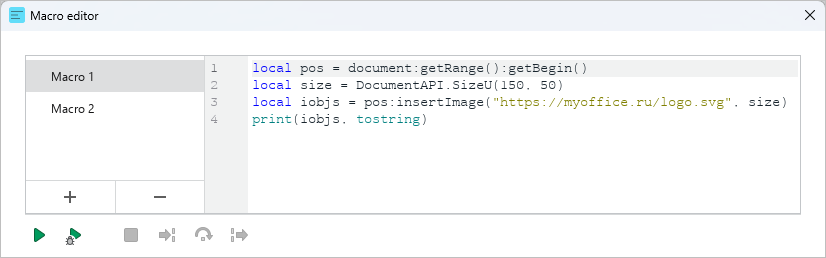
 ** Macro editor**. In the Macro editor window, select the desired macro in the list.
- On the Macros tab, click
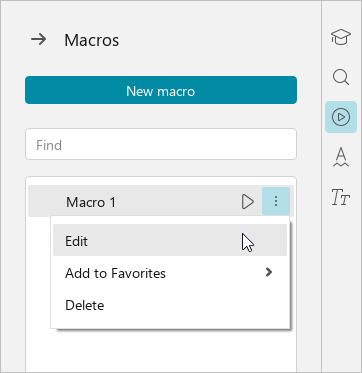
•On the right sidebar, click  Macros. In the Macros pane, hover the mouse cursor over the name of the required macro, click the
  button and run the Edit command.
- In the Macro editor window, make the necessary changes to the macro code.
Changes to the macro code are saved automatically.