Remove an extension
To remove an extension, follow these steps:
-
Open the Extension manager window in one of the following ways:
- On the Macros tab, click
 ** Extension manager**.
 - On the Macros tab, click the arrow to the right of the ** Extension manager** button and run the Extension manager command.
- On the Macros tab, click
-
Remove the extension in one of the following ways:
- In the Extension manager window, in the extension line, click
 ** Remove**.
- In the Extension manager window, in the extension line, click
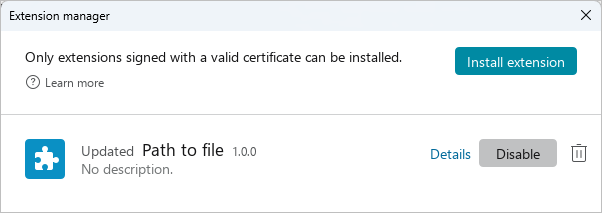
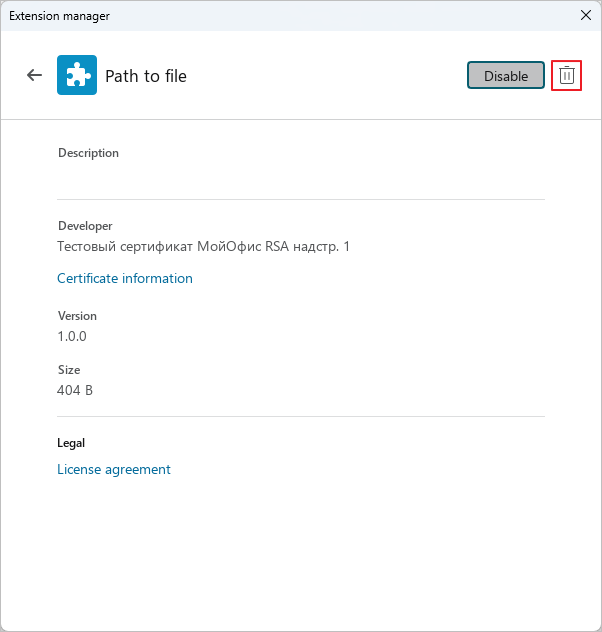
•In the Extension manager window, in the extension line, click Details. In the Extension manager window that opens, click ** Remove**.
- In the dialog box with the message “Are you sure you want to remove this extension?” click OK.
On the Macros, the command to run this extension will be removed.