Log in to your account
Account credentials for working with the AI assistant are provided by the system administrator.
To log in to your account, do the following:
- Open the authorization window in one of the following ways:
 button. In the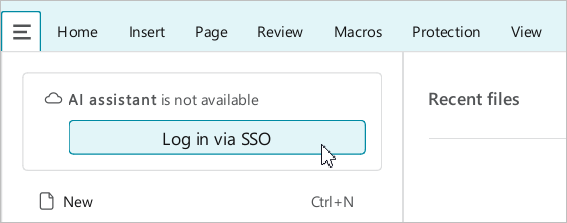
•On the right sidebar, click  AI assistant. In the AI assistant pane, click Log in via SSO.
•Right-click anywhere in the document to open the context menu and run the Open AI assistant command. In the AI assistant pane, click Log in via SSO.
- In the window with the message “You will be redirected to the login page”, click Continue.
- In the Log in via SSO window, enter your account credentials:
- Enter your login in the Username or email box.
- Enter your password in the Password box.
- Click Sign In.