Hide or display the content of tool groups
Tool groups can be minimized automatically, when the main application window is resized or maximized, or manually.
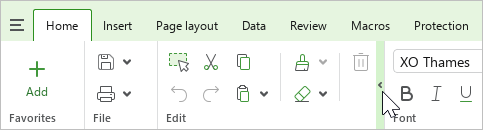
To collapse a tool group manually, move the mouse cursor over its right border and click the  button.
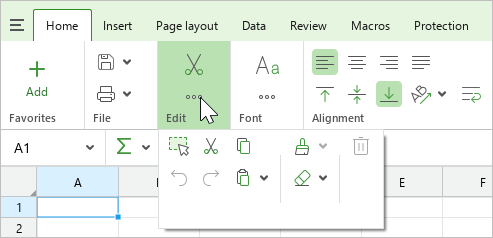
To display the tools of a hidden group, left-click it.
To expand the group, click  .
.
