Fill a shape with image
To fill a shape with an image, follow these steps:
- Left-click to select a shape or double-click to select a shape to enter its editing mode.
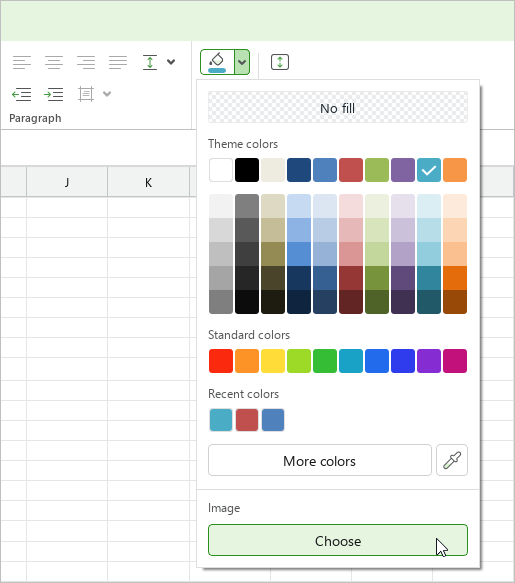
- On the Home tab, in the Shape group, click the arrow to the right of the
 Fill color button.
 - In the fill settings pane, in the Image section, click Select.
- In the file manager window, select the desired image and click Open.