Remove the line style
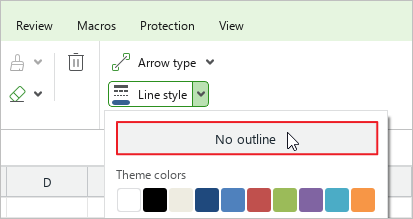
If necessary, you can remove the line style settings. To do this, follow these steps:
- Select the line.
- On the Home tab, in the Line group, click the arrow to the right of the
 Line style button.
 - On the color selection pane, click No outline.
- Without deselecting the line, open the pane again and set the new style options.