Protect the document structure
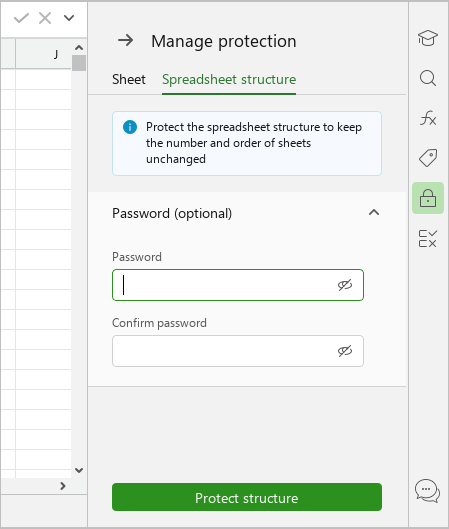
To protect the document structure, follow these steps:
-
On the Protection tab, click
 ** Protect structure**.
 -
On the Spreadsheet structure tab:
- If necessary, set a password to remove protection from the document structure.
- Click Protect structure.
-
Close the Manage protection pane in one of the following ways:
- At the top of the pane, click
 .
. - On the Sidebar, click
 Manage protection.
- At the top of the pane, click