Remove a pivot table field
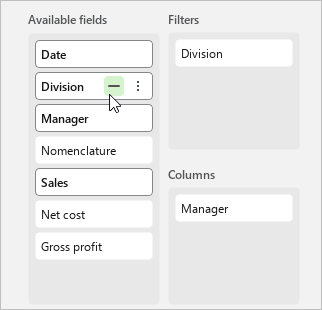
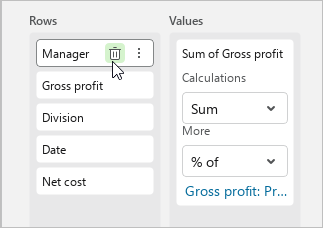
To remove a field from any section of the pivot table, do one of the following:
- Hover the mouse cursor over the title of this field and click
 Remove.
 - Hold down the left mouse button and drag the field from the current area to the Available fields section.
To remove a field from all areas of the pivot table to which it is added, do the following:
- In the Available fields section, hover the cursor over the title of the field.
- Click
 Remove from pivot table.