Installation and launch
- To install the MyOffice software, please refer to MySpreadsheet software. Installation Guide .
To launch the MySpreadsheet desktop application, click its icon or shortcut:
- In Windows OS: On the desktop or in the main menu of the OS.
- In Linux: In the OS application menu.

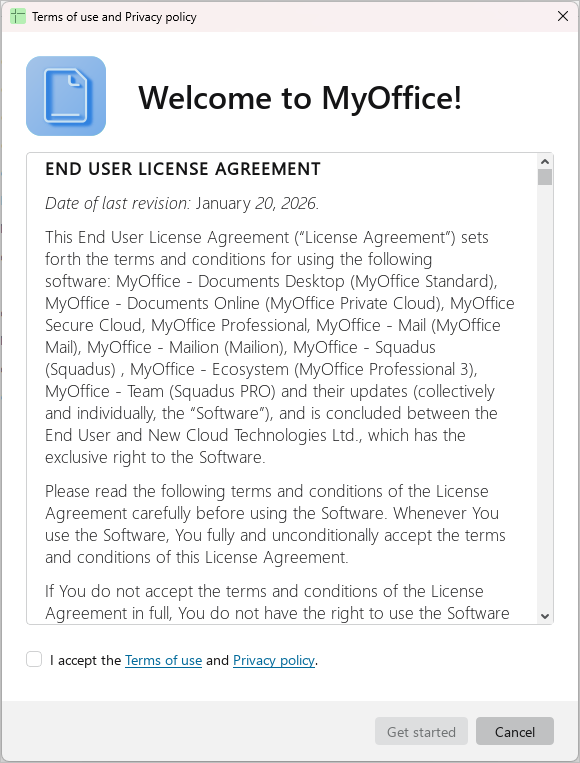
- If the Terms of Use and Privacy Policy window appears when you first launch the MyOffice software:
- Please read these terms and conditions carefully.
- If you agree to the terms and conditions specified, please select the I accept the Terms of Use and Privacy Policy checkbox.
- Click Get started.
The main window of MySpreadsheet will open.
tip
The Terms of Use and Privacy Policy window is not displayed if the system administrator has configured automatic acceptance of the license agreement on a centralized basis.