View name properties
To view the properties of a name, follow these steps:
-
Open the Name manager using one of the following methods:
- On the Sidebar, click
 Name manager.
 - In the range field, click
 and run the Manage defined names command.
- On the Sidebar, click
-
In the Name manager, hover the mouse over the desired name and click
Expand.
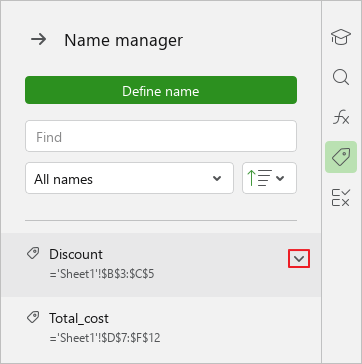
If the name belongs to a cell, range of cells, or range-based array, then that cell, range, or array will be highlighted in the spreadsheet.
The Name manager will display the properties of the selected name . The text in the Name and Reference fields can be copied if necessary.
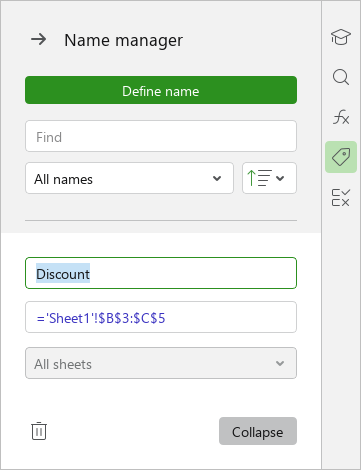
To hide the name properties, click the Collapse button.