Create a note
To create a note, follow these steps:
-
Run the command to create a note in one of the following ways:
- On the Insert tab, click
 Note.
Note. - Right-click to select the cell and run the Add note command from the context menu.
- On the Insert tab, click
-
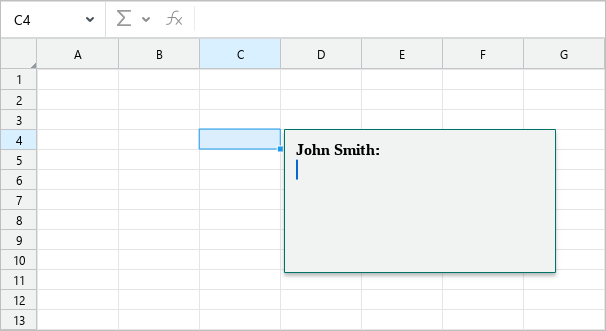
In the Note window:
- If needed, edit and format the username.
- Enter the text of the note.
- Press
Escor click another cell to finish creating a note and close it.