Enter data in a cell
To enter new data into an empty cell or overwrite data in a cell, do the following:
- Select a single cell or a range. If a range is selected, make sure that the cell where you want to enter data is active.
- Enter the required data.
- Confirm entering using one of the following methods:
- Press
Enter/TaborShift+Enter / Shift+Tab. - Click
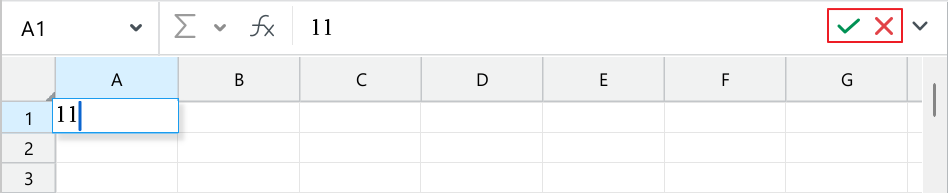
 Enter value on the right side of the Formula bar.
- Press
warning
Use the dot (.) as the decimal separator for numbers.
To change the contents of a cell without deleting the old data, use edit mode. To do this, proceed as follows:
-
Select a single cell or a range. If a range is selected, make sure that the cell you want to edit is active.
-
Switch to editing mode using one of the following methods:
- Double-click the cell you want to edit. If a range was previously selected, the selection will be reset. To avoid deselecting the entire range, select the desired cell as the active cell.
- Go to the Formula bar.
- Press
F2.
-
Edit the data in the cell.
-
Confirm the changes using one of the following methods:
- Press
Enter/TaborShift+Enter / Shift+Tab. - Click Enter value on the right side of the Formula bar.
- Press
To discard changes made during editing, do one of the following:
- Click
 Delete on the right side of the Formula bar.
 - Press
Esc.