Resize a chart
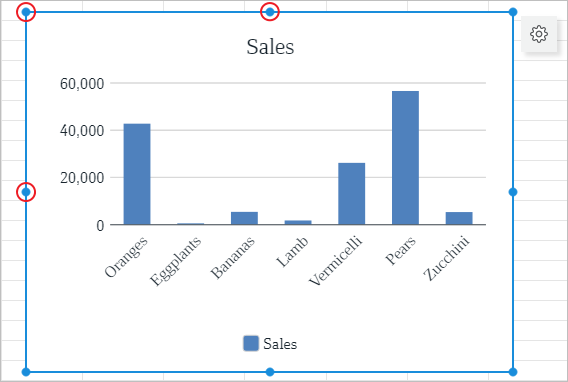
To change the size of the chart, left-click it and drag the control handle in the desired direction:
- To change the height of the chart, use the top and bottom handles.
- To change the width of the chart, use the right and left handles.
- To proportionally change the height and width of the chart, use the corner handles.