Open element settings
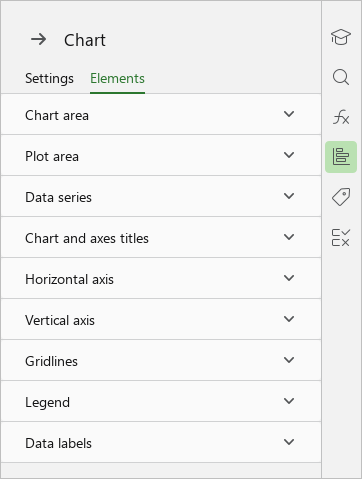
To open the element settings, follow these steps:
- Open the chart settings pane.
- In the Chart pane, switch to the Elements tab.
- Expand the list with the settings of the desired element by clicking it with the left mouse button.
You can immediately open the settings for the desired item on the Sidebar. To do this, proceed as follows:
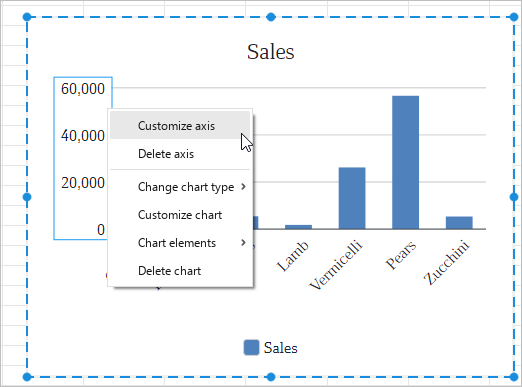
- Double left-click in the chart area to switch to the chart editing mode.
- Right-click the element in the chart and run the Customize <Element name> command from the context menu.