Edit a macro
To edit a macro, follow these steps:
- Select a macro in one of the following ways:
- On the Macros tab, click
 Macro editor. In the Macro editor window, select the desired macro in the list.
 - On the Sidebar, click
 Macros. In the Macros pane, click the arrow to the right of the New macro button. In the drop-down list, select Open editor. In the Macro editor window, select the desired macro in the list.
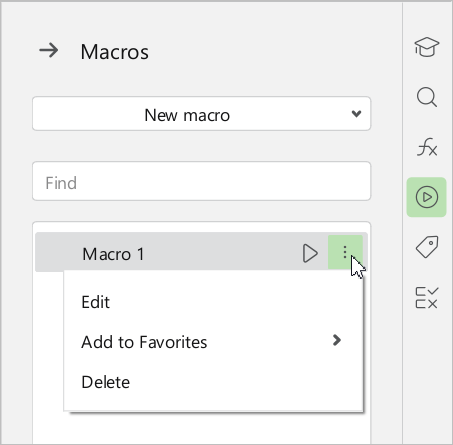
 - On the Sidebar, click Macros. In the Macros pane, hover the mouse cursor over the name of the required macro and click
 More. In the drop-down list, select Edit.
- On the Macros tab, click
- In the Macro editor window, make the necessary changes to the macro code.
Changes to the macro code are saved automatically.