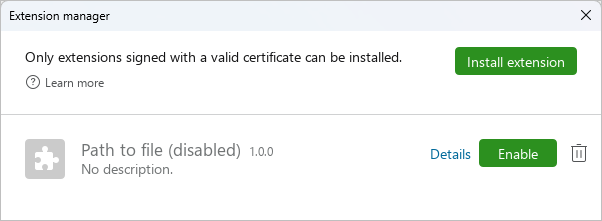
Enable or disable the extension
You can manually disable and enable the installed extensions.
If the extension is enabled, the command to run the extension is displayed on the Macros tab when you click the arrow to the right of the  Extension manager button. If the extension is disabled, the command to run it is not displayed.
To disable or enable the extension, follow the steps below:
-
Open the Extension manager window in one of the following ways:
- On the Macros tab, click ** Extension manager**.
- On the Macros tab, click the arrow to the right of the Extension manager button and run the Extension manager command.
- On the Macros tab, click
-
Disable or enable the extension in one of the following ways:
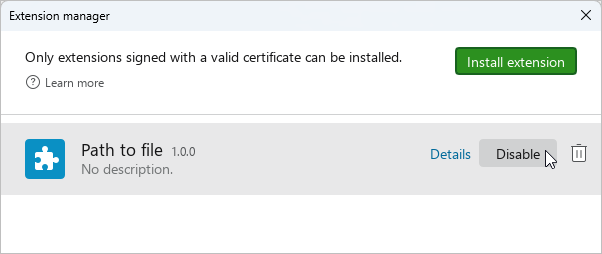
- In the Extension manager window, in the extension line, click Disable / Enable.
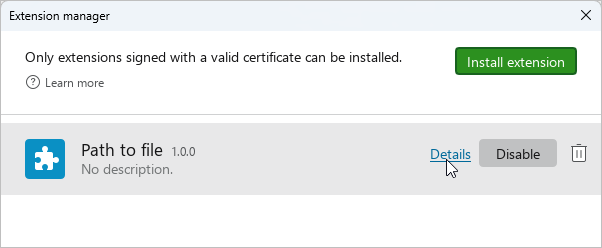
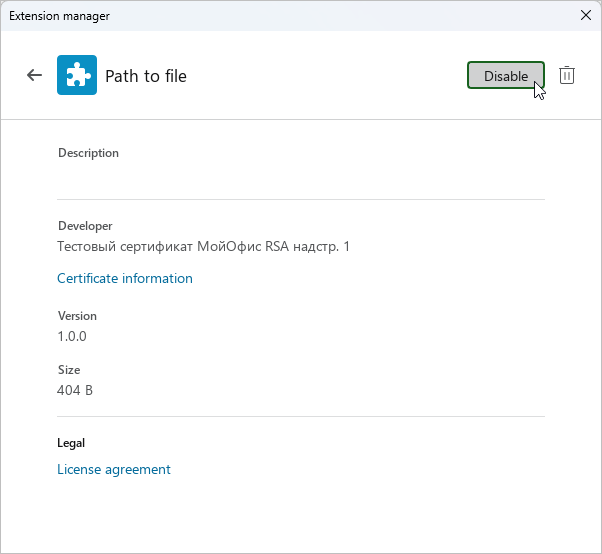
•In the Extension manager window, in the extension line, click Details. In the extension details, click Disable / Enable.
If the extension is disabled, the (disabled) label is displayed next to its name.