Remove an extension
To remove an extension, follow these steps:
- On the Macros tab, click
 Extension manager.
 - Clear it in one of the following ways:
- In the Extension manager window, in the extension line, click
 .
.
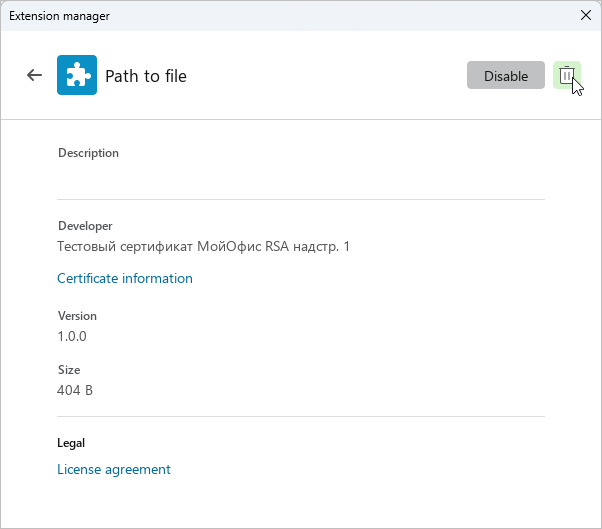
- In the Extension manager window, in the extension line, click
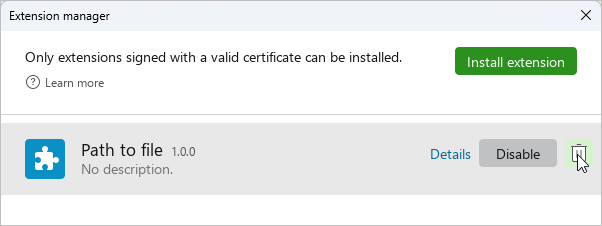
•In the Extension manager window, in the extension line, click Details. In the extension details, click .
- In the window that opens, confirm the removal by clicking OK.
The command to run this extension will be removed from the Macros.
tip
You cannot remove built-in extensions using the method described here. Built-in extensions are removed by the administrator along with the Extensions for MyOffice Documents Desktop application. A standard user can only disable built-in extensions.