Change slide layout
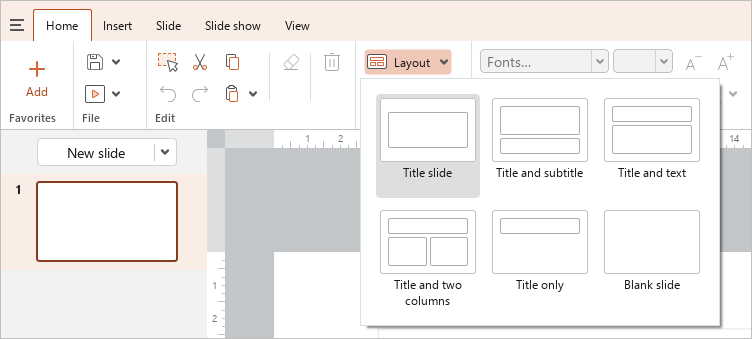
To change the layout of a slide, select the slide on the Slide bar and on the Slide tab, click the button with the desired layout.
Or do the following:
- Select a slide on the Slide bar.
- Open the list of layouts in one of the following ways:
- On the Home tab, in the Design group, click
 ** Layout**.
- On the Home tab, in the Design group, click
•Right-click a slide on the Slide bar. Select the Layout command from the context menu.
•Right-click an empty slide space in the workspace. Select the Layout command from the context menu.
- In the list that opens, select the desired slide layout.