Display the Slide bar
If you want to quickly switch to a specific slide during the slide show, select it on the Slide bar.
To do this, follow these steps:
- To open the Slide bar, on the Control bar, click
 Slide thumbnails.
 - Click the desired slide on the Slide bar.
tip
Hidden slides are not displayed on the Slide bar.
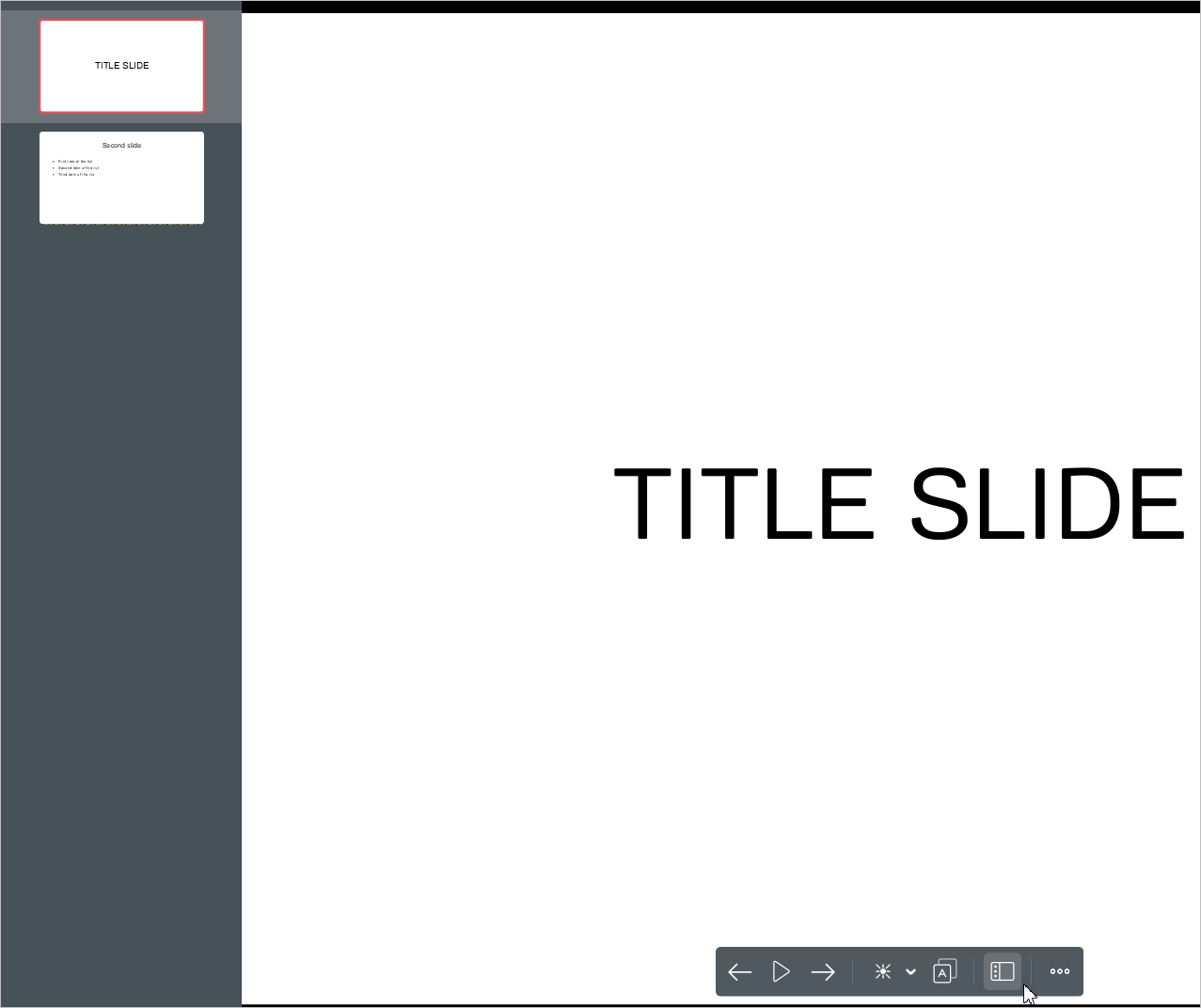
The Slide bar is automatically hidden from the screen when a slide is selected.
To hide the Slide bar without selecting a slide, do one of the following:
- Click anywhere on the slide outside the Slide bar.
- Press
Esc.