Pause the slideshow
You can pause the slideshow if necessary. Hide the current slide of the presentation and display a black screen instead.
To do this, on the Control bar, click  More and select the Black screen checkbox.
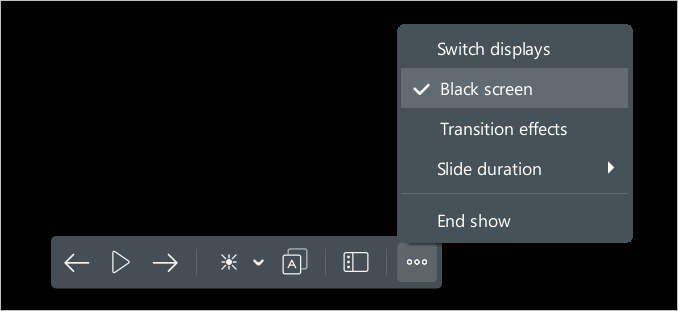
If the slides in the presentation were advanced automatically, the slide show stops and the  Pause button changes to the
  Play button.
To display the current slide again, do one of the following:
- On the Control bar, click More and clear the Black screen checkbox.
- Perform any action to move to the previous/next slide.
- On the Control bar, click Play.
tip
When you click Play, the slide show resumes automatically.
- If you want to continue the presentation from a slide other than the current one, on the Control bar, click
 Slide thumbnails and select the desired slide on the Slide bar.