Manage screens in presenter view
In the presenter view, you can:
- Change the presenter's screen interface to the normal presentation mode interface.
- Swap the display between the main and secondary monitors.
- To switch the presenter's screen interface to the normal presentation mode interface, on the Control bar, click
 More and select the Hide presenter tools command. To return to the presenter view, click More and run the Show presenter tools command.
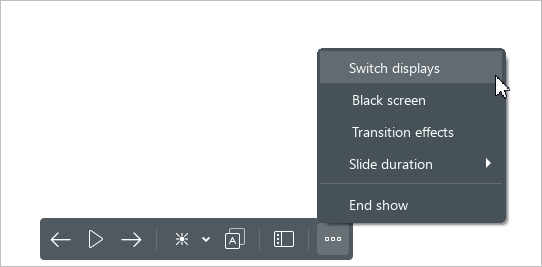
 - To swap the display between the main and secondary monitors, click More and select the Switch displays command.
tip
The Switch displays order command is only displayed if an additional monitor is connected.