Hide or display the Favorites group
To hide the Favorites group of tools, do one of the following:
- Click the
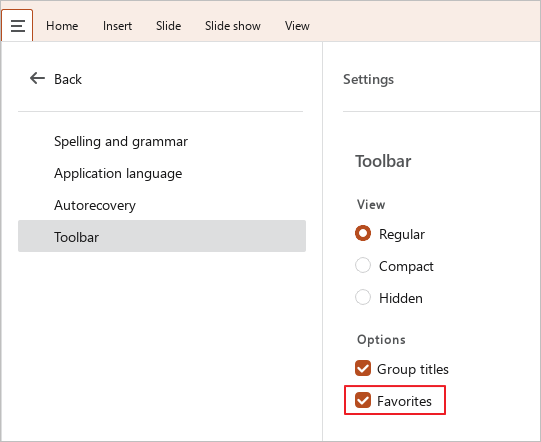
 button and run the Settings command from the main menu. In the Settings pane, in the Toolbar block, clear the Favorites checkbox.
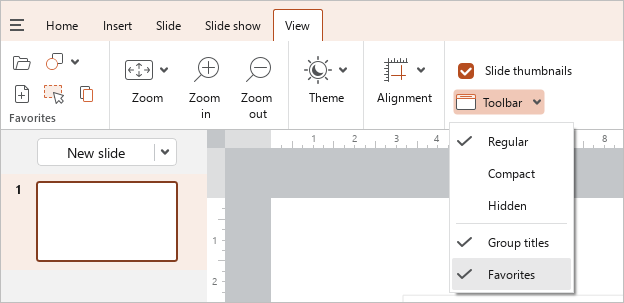
- On the View tab, click
 Toolbar and clear the Favorites checkbox.
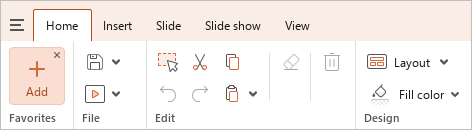
- If the Favorites group is empty, hover the mouse cursor over
 Add and click
  in its upper right corner.
To display the group of tools, select the Favorites checkbox again.
tip
The Favorites checkbox is disabled if the content of the Toolbar tabs is hidden.