Create a file or folder
To create a folder or file in the cloud, do the following:
-
Open the explorer of the cloud in one of the following ways:
- Click the
 button and run the Open from cloud command from the main menu.
 - Press
Ctrl+Shift+O.
- Click the
-
In the explorer of the cloud, select the directory where you want to create a folder or file.
tip
You can create files or folders in the My files or Shared sections.
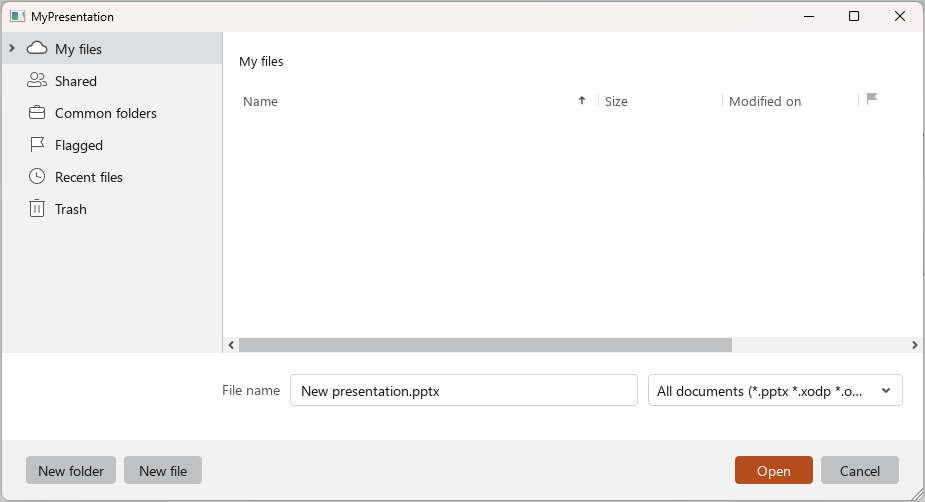
- To create a folder, click New folder.
- To create a file, select a file format from the All documents drop-down list. By default, the file is created in .pptx format. Click New file.
- In the opened window, enter the name of a file or folder and click OK.
The new file or folder will be displayed in the selected folder.