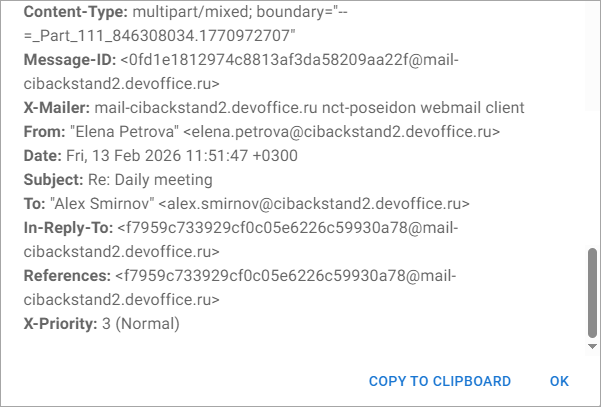
View message headers
The email header is a fragment of HTML code that contains information about the sender, recipient, route, and other important information about the email. For example, header analysis helps mail service providers identify spam mailings.
To view the message headers, do the following:
- Select the email. The email will open in the Reading pane, or open the email in a new tab.
- On the Toolbar in the Reading pane, click
 and select View message headers in the menu that opens. A new window will open in which the email headers will be displayed: