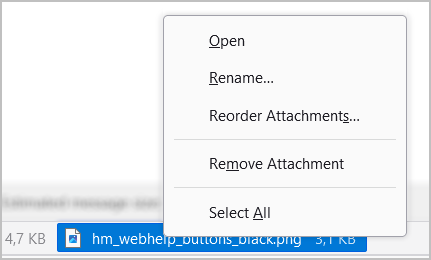
Call context menu
The context menu is available for many elements of the application interface and allows you to perform various actions with them.
To call the context menu, right-click an element, an empty area, or several selected elements.
A menu will appear, containing available commands (bright text color) and currently unavailable commands (dim text color).