Create local calendar
When you create a local calendar, you can only use the calendar on the computer on which you are working. All data is saved in an internal database.
To create a local calendar:
- From the Main Menu, select File > New > Calendar. The Create New Calendar window will open.
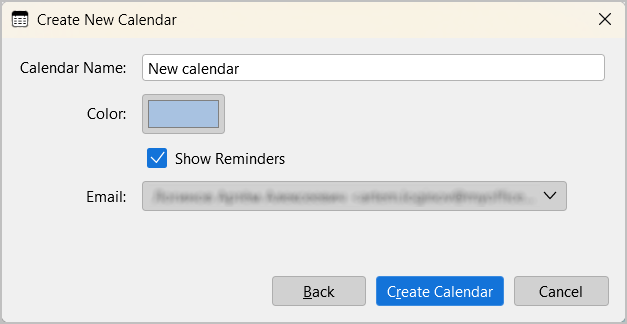
- In the Create New Calendar window, select On My Computer.
- Enter a Calendar Name.
- Select the Color of the calendar events.
- If necessary, select the Show Reminders checkbox.
- In the Email list, select the desired account.
- Click the Create Calendar button.
The local calendar will be added to the application.