Attach files
To add an attachment to an event:
- Click Attach file.
- If the menu opens (it only opens if integration is configured between MyOffice Mail and MyOffice Documents Online), in the drop-down menu select the source for uploading the file: From the computer, From the cloud, Upload to the cloud and attach.
tip
To upload files from the cloud, it is necessary for the administrator to configure the integration of MyOffice Mail with MyOffice Documents Online.
Further actions are similar to adding attachments to an email. The total size of attachments should not exceed 10 MB. Files attached to the event or links to files in the cloud are displayed on the Details tab:
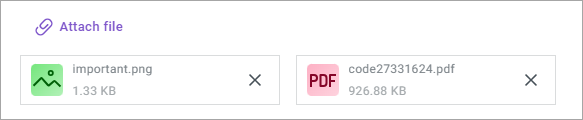
To delete an attachment, click  .
.