Find an event in the calendar
- Click the
 button on the Toolbar.
 - In the search bar, enter the name of the required meeting or the word contained in that name.
- Press the
Enterkey.
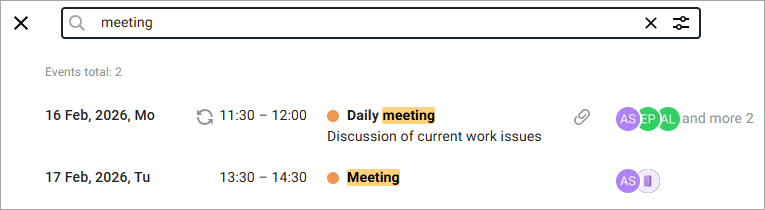
A list of events corresponding to the query will appear under the search bar:
To refine the search results, do the following:
-
Click the button
 .
. -
In the window that opens, set one or more additional search parameters:
- Select the calendar to search in.
- Specify the participants of the event.
- Specify the resources.
- Select a time period in the calendar (From and To).
- Specify if there are attachments.
- Specify the repeatability of the event.
-
Click the Find button.