User profile
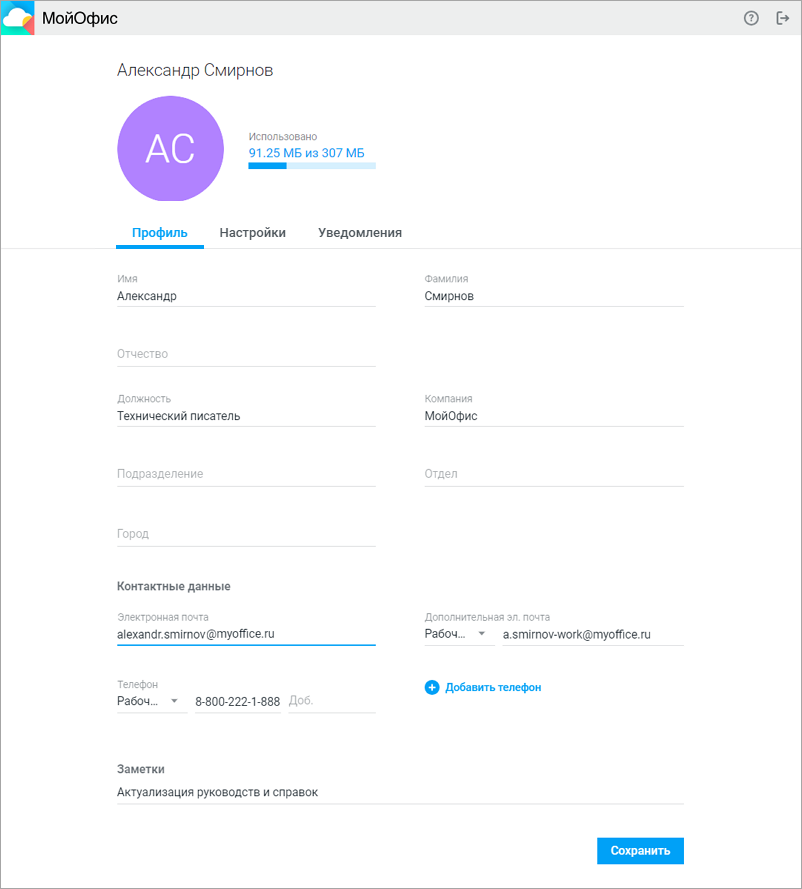
To go to the profile (Fig.):
- Click on the avatar to open the information pane.
- Click on the Profile button to open the profile page in a new browser tab which contains the following elements:
- Avatar
- User quota information
- Profile tab
- Settings tab
- Notificationstab
Profile parameters that cannot be edited when integrated with Keycloak SSO:
- First name, last name, patronymic and email on the Profile tab
- Backup email and password change on the Settingstab
A banner is displayed at the top of the page stating that some fields can only be edited by the administrator.
You will be redirected to the external SSO authorization page:
- When logging out by yourself
- When logging out automatically
- When clicking on a link to a specific document