Go to applications
To get started, click on the desired application shortcut:
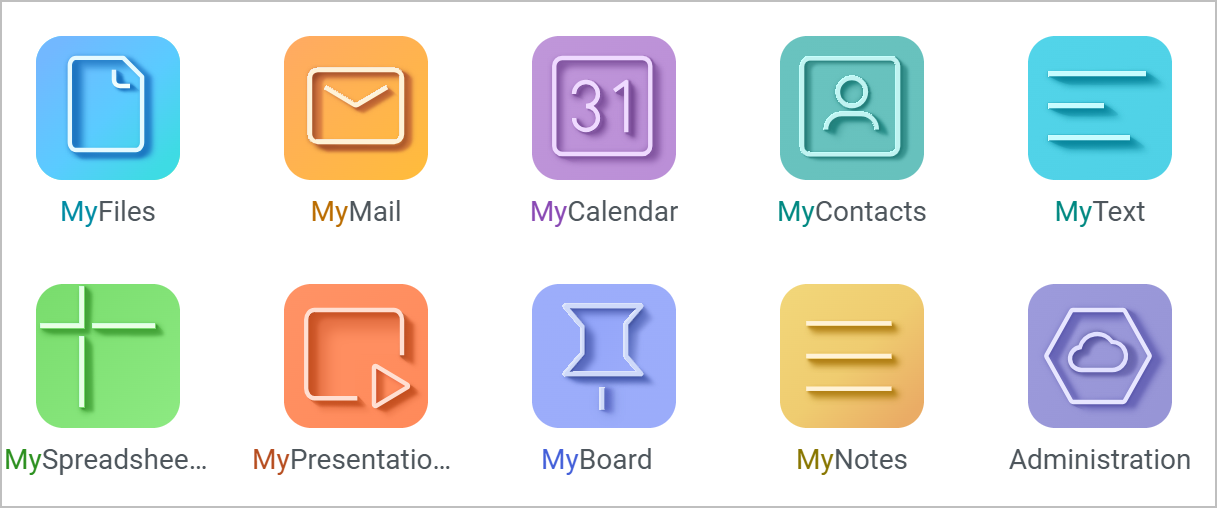
The application opens in a new browser tab.
In any MyOffice application, in all pages (except the user profile page), the logo of the active application and its name are displayed in the upper-left corner. Clicking on the current application's logo opens a menu to navigate to other applications and to the main navigation page.